If you had hard reset your Sparx Neo X android device and forget recently setup google account, the FRP feature might also lock you out of your own android device. Do not panic; this frp bypass method will walk you through how to get your device just by Bypass FRP Sparx Neo X (Android 12) without using any paid service.
Using the instructions in this tutorial, we will be able to reach the primary screen lock configuration page. After that, we will try a few different times to establish a new pattern on this device. You can complete the setup wizard steps through newly created pattern lock.
Let’s Start Steps to Bypass FRP Sparx Neo X:
-Firstly, insert a Working SIM card & Connect WiFi to your Sparx device.
-Dial any emergency number, such as (112 or 911).
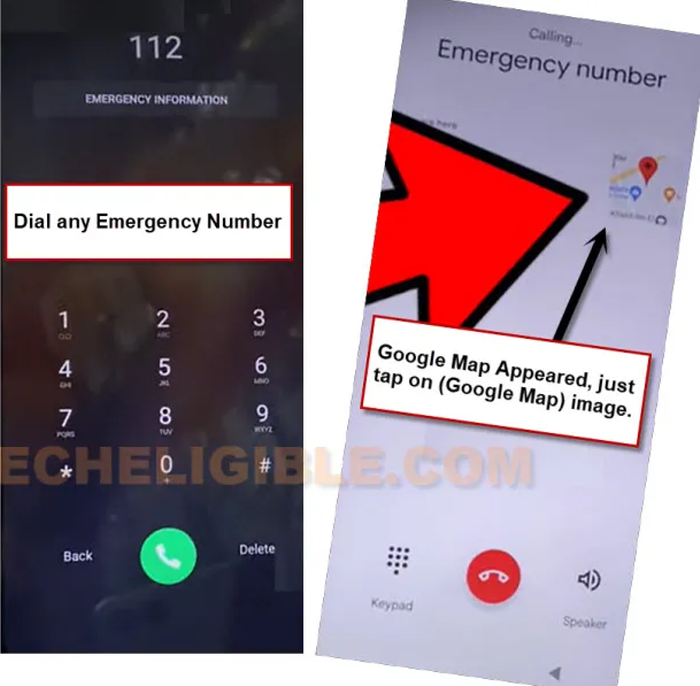
-You will be shown a (Calling…) screen, if you see there a “Google Map”, just quickly tap on that. If you don’t see (Google Map) there, then, disconnect call and try again.
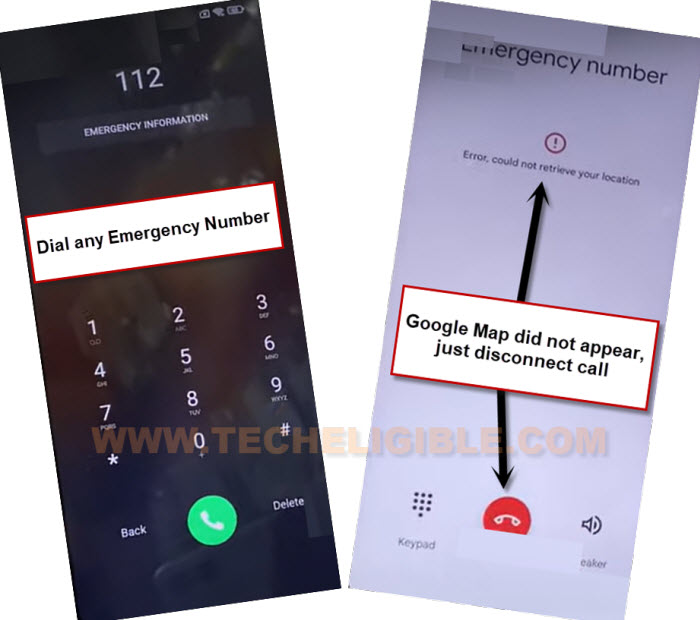
-Keep trying by dialing emergency number, and check for “Google Map” on calling screen.
-You may be able to see (Google Map) after 10-15 tries or more than that.
-After having a google map there, just tap on “Google Map”.
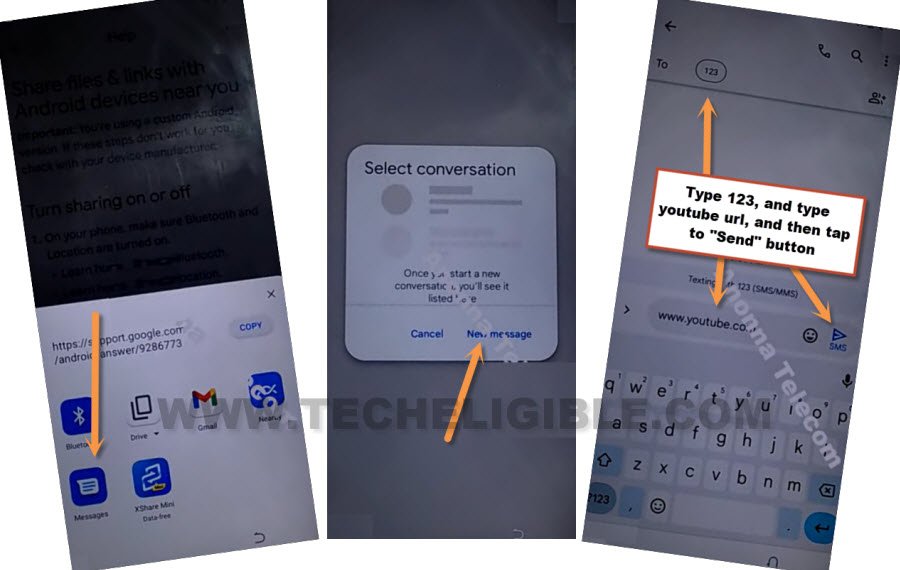
-After that, go to “Share” option from google map.

-Choose “Message” app from popup window and tap to “New Message”.
-Let’s type & send “www.youtube.com” to any random number.
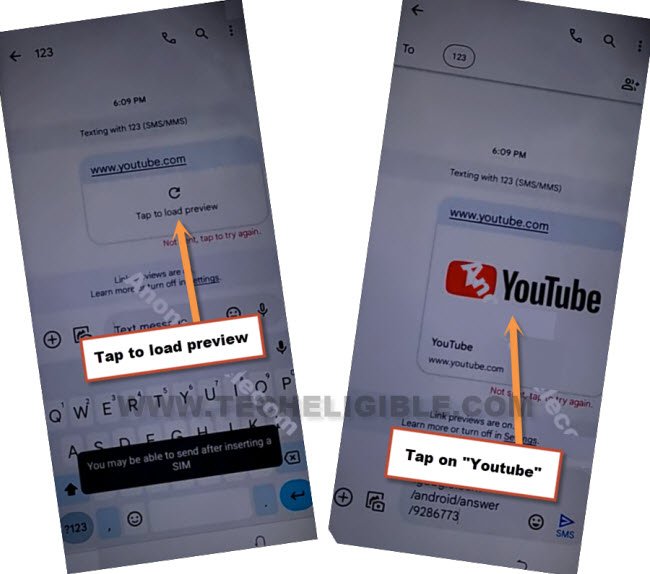
-Once the url is sent successfully, this will convert to a hyperlink, just tap to “Tap to load preview” option.
-Go to “youtube” image from there to lead to main and official youtube page to Bypass FRP Sparx Neo X.
-Hit over the “Profile” icon from top corner and go to “Settings”.

-After that, you have to go to > History and privacy > Youtube terms of services.
-Choose “Use without an account” option from google chrome welcome screen.
Navigate to the Lock Screen:
-Search in google chrome browser with “Techeligible“. Go to official techeligible site and hit over the “Menu” icon from top corner and go to “Download FRP Tools”.

-After reaching to frp tools page, scroll down and tap over the “Setup Pattern Lock” option.

-We have to setup latest pattern lock on our device to successfully Bypass FRP Sparx Neo X.
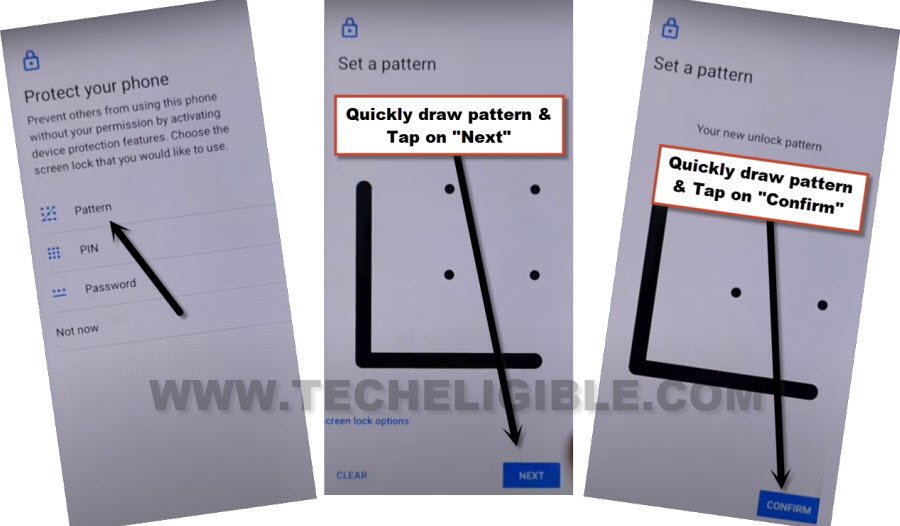
-Tap on “Pattern” option from (Protect your phone) screen.
-Draw your any pattern and go to “Next” option.
-Draw same pattern again and go to “Confirm” option.
-If you see (Settings has stopped) popup window or blank white screen or got back to frp tools page, that means, the pattern is not accepted yet. You will have to repeat steps to setup pattern again.
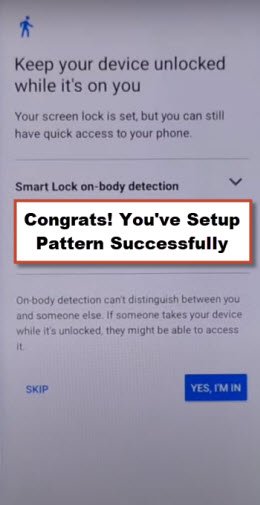
-Keep trying to setup pattern very fast. Do this as quick as possible and keep trying until you see (Keep your device unlocked while its on you) screen. That means, the pattern has been setup successfully.
| Note: After 5-10 tries, you will be able to setup Pattern lock successfully. |
-Go to > Yes i am in > Got it.
-Go all the way back to first (Hi there) screen.
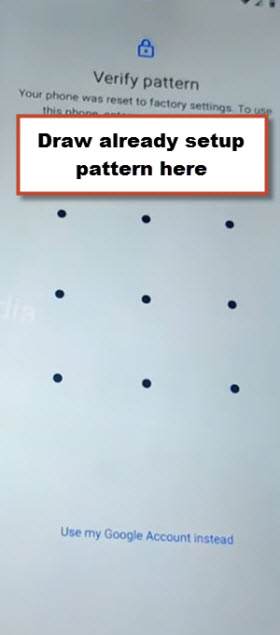
–Complete the setup wizard’s steps. As you complete the setup procedure, you will be prompted to verify yourself with a recently pattern lock setup. Simply enter your newly configured pattern lock there.
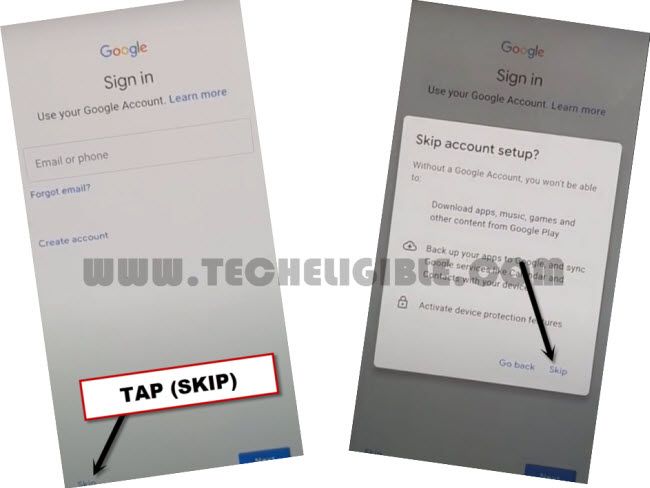
-From there google sign in screen, go to > Skip > Skip.