how to remove frp Moto Edge 30 Fusion

Remove FRP Moto Edge 30 Fusion Android 12 Bypass Google Acc

Remove FRP Moto Edge 30 Fusion (Android 12) by easy guideline without using any computer, The FRP occurs normally right after hard reset knowingly or unknowingly, and you will be shown a (Verify your Google Account), this screen can’t be bypassed till and until you enter already setup account in this device, what if you […]

Read More
how to bypass frp MOTO E32, E32s

Bypass FRP Moto E32, E32s Android 12 By Disabling Apps

You can fix up frp issues from your device just through turning on talkback and accessibility menu feature. You can get back your device by following below steps to Bypass FRP Moto E32, E32s (Android 12) without using any paid services. Do make sure, WiFi is connected to your Moto Device. Warning: Do not try […]

Read More
how to bypass FRP Motorola One 5G Ace

Bypass FRP Motorola One 5G Ace Android 12, 11 (Updated)

We have 2 methods here to show you, how you can Bypass FRP Motorola One 5G Ace (Android 12, Android 11) without using computer any other paid services, just follow steps from below and get back to your device easily and use with your own remembered new google account. Both ways are little bit identical, […]

Read More
bypass frp Motorola Moto G22

Remove FRP Account Moto G22 By Using Assistant Option

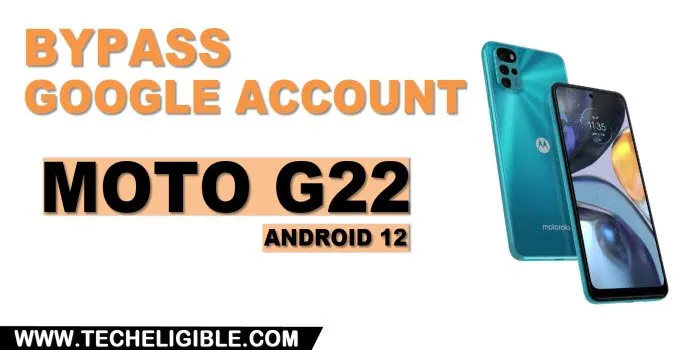
This is a all in one method that can be applied on many MOTO Android 13, 12 devices. You can Remove FRP Account Moto G22 (Android 12) with this same method too. What we do in this matter is just to turn on (Talkback) feature to reach google chrome browser, after that, just turn off […]

Read More
how to bypass frp Account Moto G42 Android 12 without PC

Remove FRP Account Moto G42 By Enabling Talkback Function

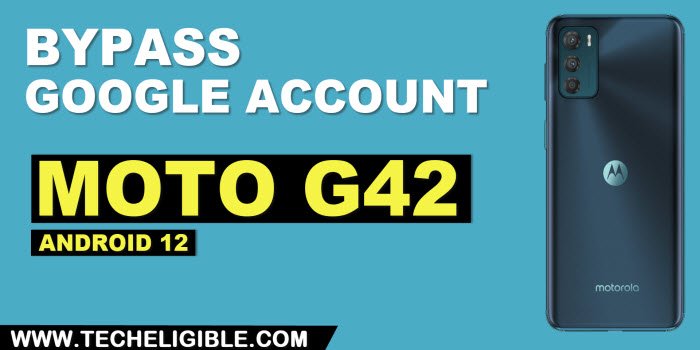
We will access to our device main home-screen easily by just enabling (Talkback function). After that, we will access to chrome browser to reach on frp tools page to Remove FRP Account Moto G42 (Android 12) without using any paid app. You don’t require any FRP app. Just reach to settings page and disable some […]

Read More
how to bypass frp Motorola Moto G41

Bypass FRP Motorola Moto G41 Android 12 by Talkback

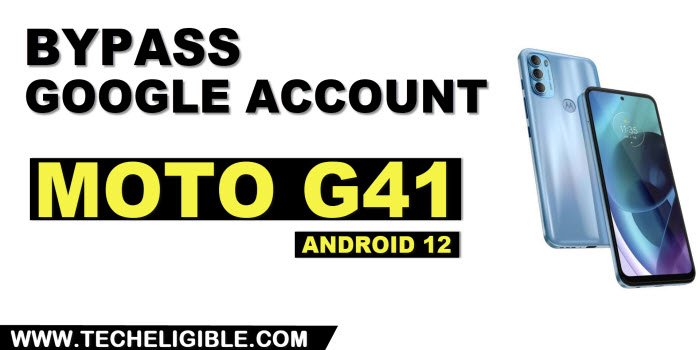
This is the best way, and working with almost many Moto Android 12 devices, you can now bypass FRP Motorola Moto G41 device as well with this same process just by turning talkback method using 2 buttons (Volume UP + Down), we will describe everything below step by step along with screen shot, if you […]

Read More
how to bypass frp Moto G51

Bypass FRP Moto G51 By Talkback Feature (Android 12)

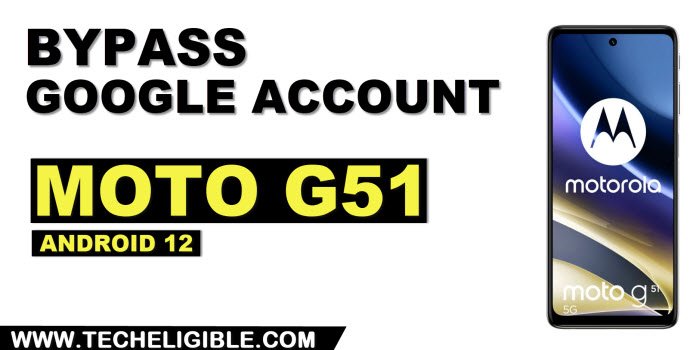
If you are still struggling with this device, and unable to Bypass FRP Moto G51 (Android 12), we will show you this easy method, how you can easily get back this device with your new google account signed in, for sure, once you hard reset device, and forget your signed in google account, this device […]

Read More
bypass google account frp Moto G50

Bypass Google FRP Moto G50 Android 12 Without Any FRP App

If you are still struggling with this device, and unable to Bypass Google FRP Moto G50 (Android 12), we will show you this easy method about how you can easily get back this device with your new google account signed in. For sure, once you hard reset your moto device and forget your signed in […]

Read More
how to remove frp Account Moto G52 without pc

Remove FRP Account Moto G52 Android 12 Without Paid Tool

This method is just to Remove FRP Account Moto G52 (Android 12) without using any paid service, we will turn off 3 applications from this device default installed app, and to reach that app list, we have to follow below steps carefully, once you reach there and disabled those applications successfully, that means, now you […]

Read More
remove frp account Motorola Moto G200

Remove FRP Account Moto G200 Android 12 (Updated)

If you are still unable able to remember your old google account, so you must apply this method to Remove FRP Account Moto G200 (Android 12), we will setup new google account, and will completely remove old one, otherwise, you won’t be able to finish setup wizard, because the device is on a FRP mode. […]

Read More
TECHELIGIBLE