
You can easily activate 4 Digtis PIN Lock Code on your any sim card to save your sim from any sim reacing activities. Nobody can use your sim card in any other phone until you dial the same code again, which you have recently setup on your sim card. Follow up this method to learn how you can setup PIN lock code on your sim card using android device.
Let’s Start to Activate 4 Digits PIN Lock Code:
-Turn on Device and insert SIM card.
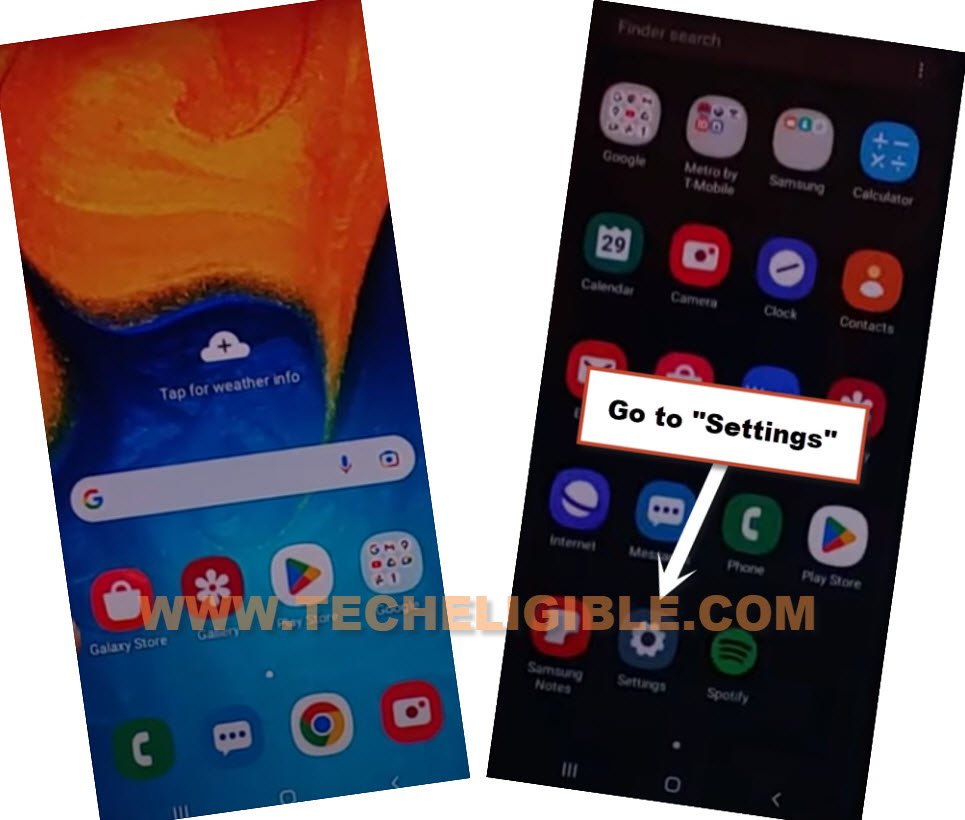
-Go to android device settings.
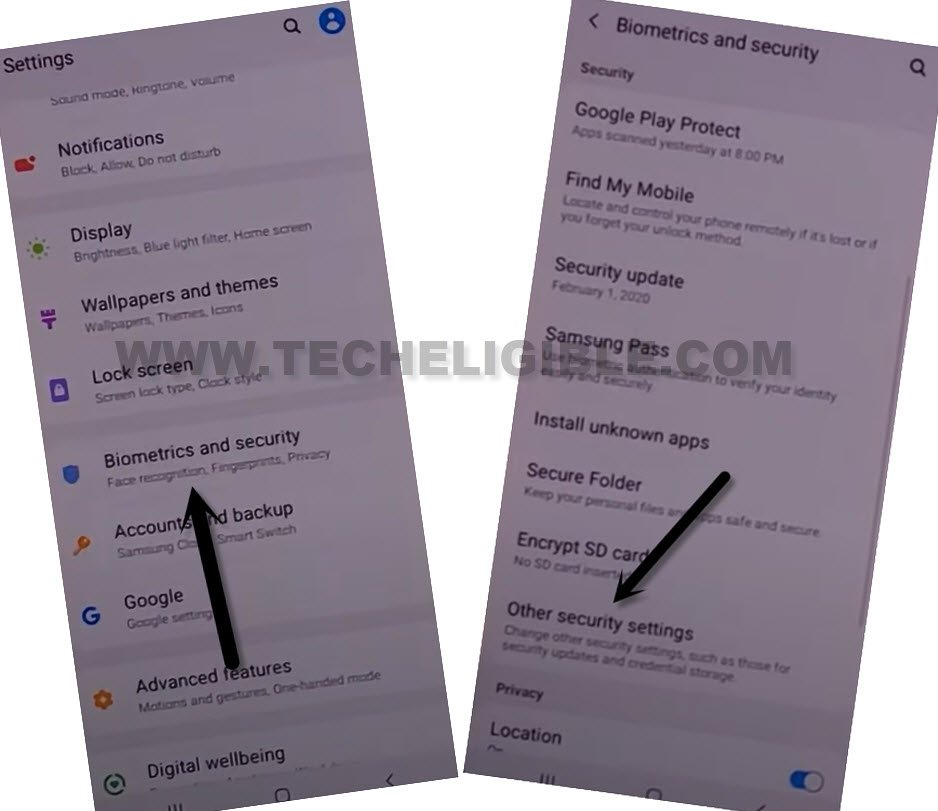
-Tap to > Biometrics and Security > Other Security Settings.
Note: If you don’t see same options as mentioned above, don’t worry, options may vary as per device brand, you just have to reach inside your device security tab, there, you will be able to find option to setup PIN lock code.
-Now hit on “Setup SIM Card Lock”, and turn on an option “Lock SIM Card”.
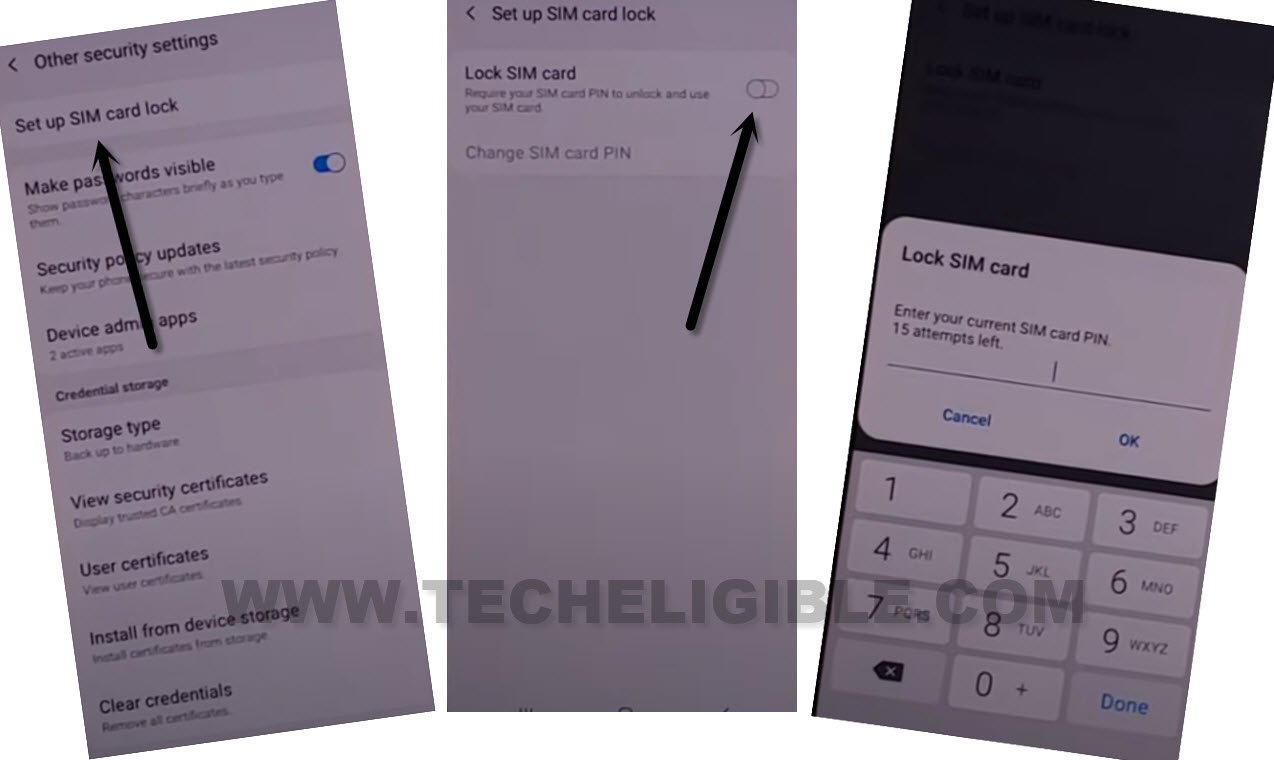
-You will be asked to enter SIM PIN first before setup new one, your default SIM pin is printed on your SIM Card jack or holder same as shown in below image
-If you don’t have your sim card holder, then try this default SIM PIN (0000 or 1234).

-If you are unable to find out your old PIN. You can make call directly to call to your sim call center company.
-Enter your old PIN there. After that, enter your new 4 digits PIN to successfully Setup SIM PIN Lock, thanks for visiting us.